Handing a conversation to a teammate — claim, transfer and release
Who this guide is for: EMPLOYEES (teammates who work the shared inbox) and their administrators.
When two or more teammates work the same inbox, a conversation can be held by one person at a time. This guide shows the whole loop: claiming a conversation, transferring it to a teammate, the protective refusals, releasing it, and doing all of this on a phone.
About the pictures and examples. All screenshots come from an isolated, synthetic test business used for product acceptance testing. Seats named "u-alice" and "u-bob" are simulated test teammates, not real staff. The run verified at the database level that the conversation's message history was untouched by every ownership change, and that no outbound message was ever sent during the whole journey.
The three controls
Open Inbox and click a conversation row. Above the thread you find:
- Claim — take the hold yourself. When held, the thread shows a badge reading "held by" followed by the holder's name (for example held by u-alice).
- Transfer to teammate — a dropdown of your business's active teammates plus a Transfer button. The list offers only active seats of your own business — never foreign ones.
- Release — the holder lets go, leaving the conversation unassigned.
Step 1 — You cannot transfer what nobody holds
If you pick a teammate and press Transfer while the conversation is unassigned, the transfer is refused with a NOT_CLAIMED notice. Your selected teammate stays selected (nothing is lost), and nothing changes.
What to do: press Claim first.
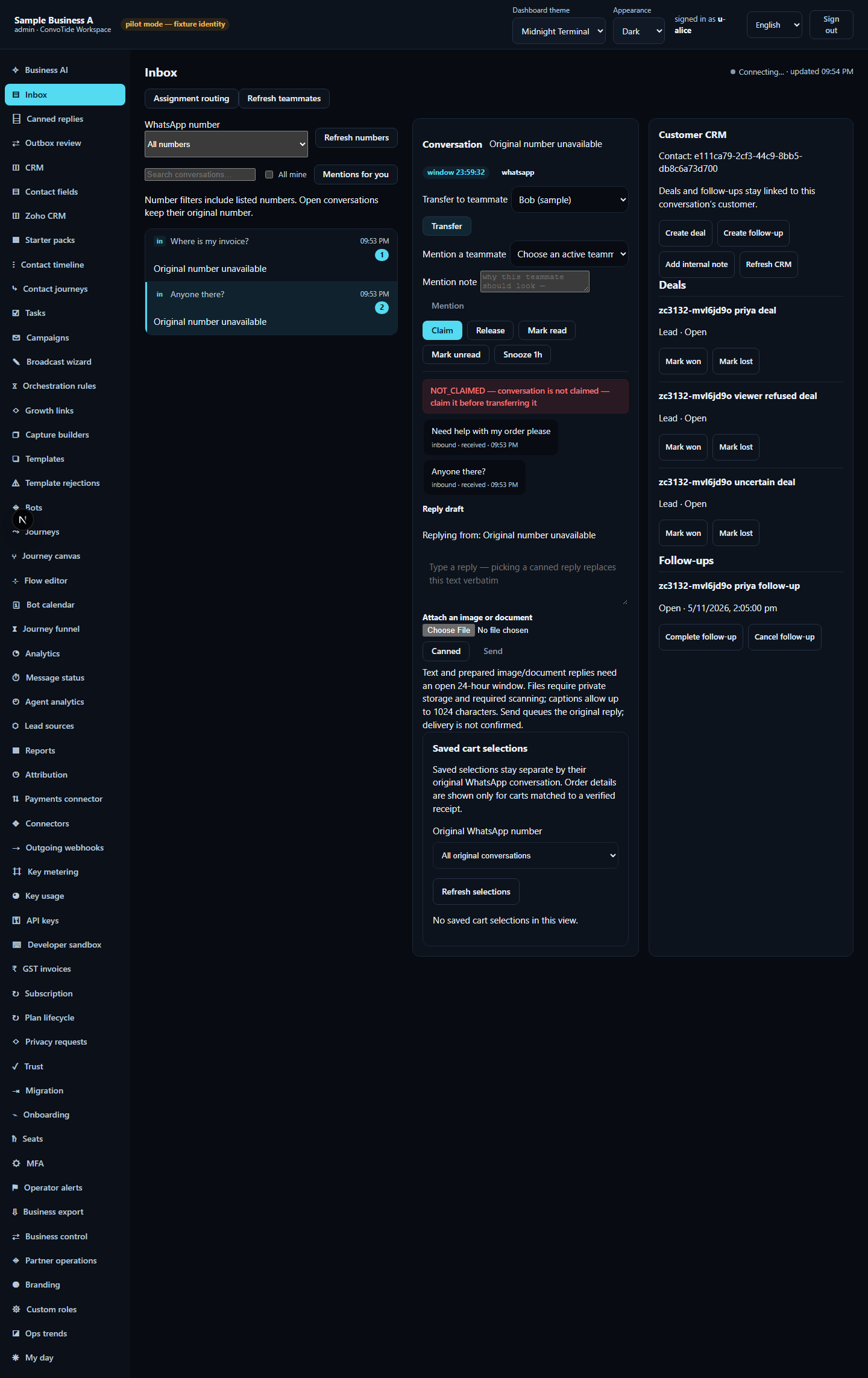
Step 2 — Claim, then transfer
- Click Claim. The badge shows held by you.
- In Transfer to teammate, pick the teammate.
- Click Transfer. A notice confirms it, and the badge now shows held by the receiving teammate.
- The change is permanent and recorded: the run verified the database owner, the reloaded conversation list, and an audit trail entry naming exactly who handed over to whom. The message history was unchanged.
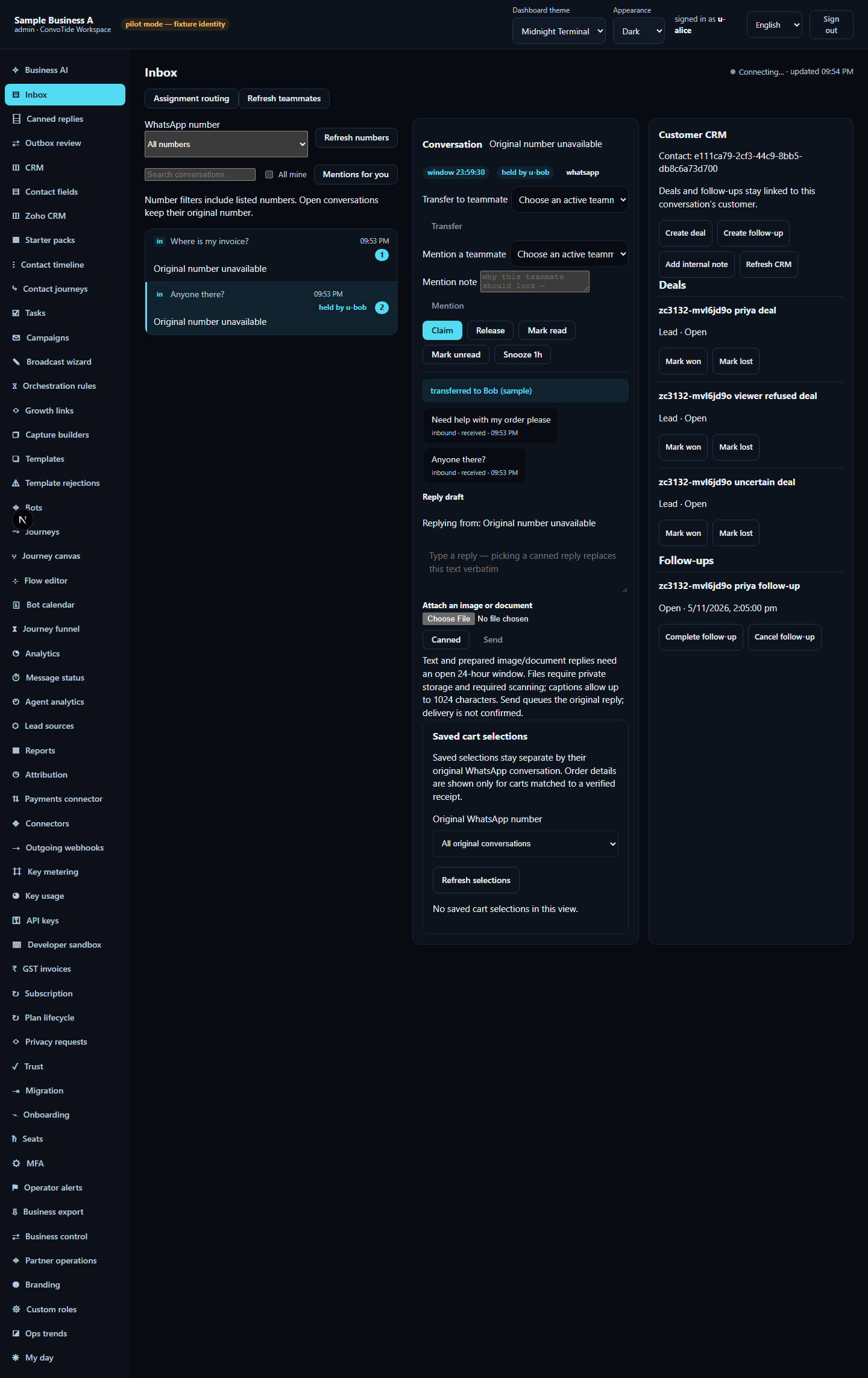
Every transfer is recorded in your business's audit trail with the exact from-person and to-person — so "who handed me this?" always has a real answer.
Refusals that protect the hold — and what to do
| What you see | What it means | What to do |
|---|---|---|
| NOT_CLAIMED | Nobody holds the conversation yet | Press Claim first, then transfer |
| CLAIM_HELD (e.g. "claimed by u-bob") | A teammate already holds it | Coordinate with the current holder; the hold does not move |
| SCOPE_DENIED | A read-only seat (viewer) cannot transfer | Ask an authorized teammate to do the transfer |
| TRANSFER_SEAT_INVALID | The chosen teammate is from another business | Choose a teammate from your own business's dropdown |
| Bad request / unauthenticated | A malformed or unsigned request | Re-open the inbox and use the buttons; do not retry crafted requests |
None of these refusals damage anything — the conversation keeps its holder and its history.
Step 3 — The recovery loop: release and reclaim
- The receiving teammate signs in, opens the conversation and sees held by their own seat.
- They click Release. A "released" notice appears and the conversation becomes unassigned.
- The original teammate clicks Claim — the hold is back with them.
Transferring also works from the keyboard: focusing the Transfer button and pressing Enter submits exactly one transfer.
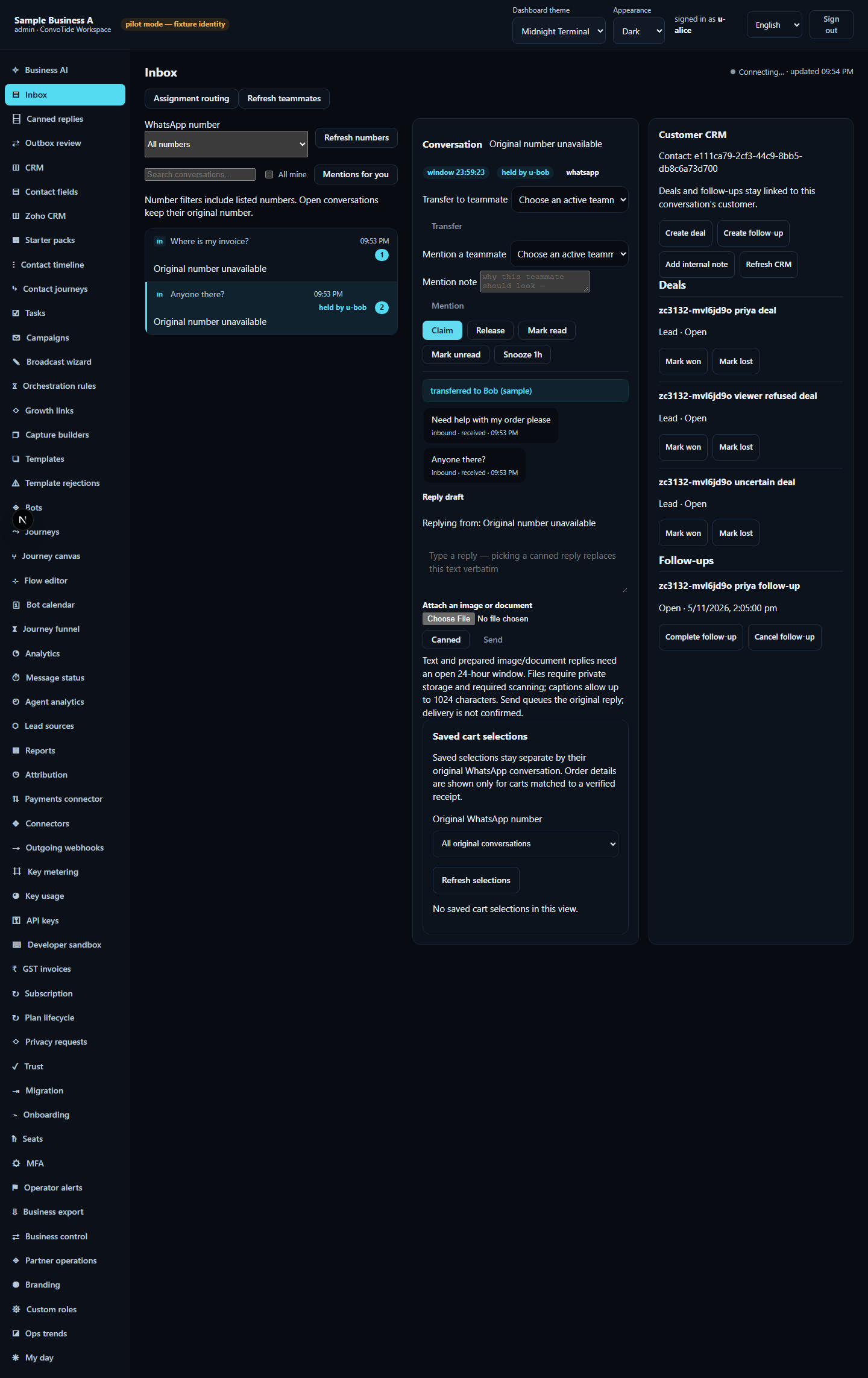
Step 4 — The same journey on a phone
At phone width (390px) the navigation sits behind the Menu button:
- Tap Menu, then Inbox, then the conversation.
- As the holder, tap Release — the hold clears. Tap Claim — it returns.
- Pick a teammate under Transfer to teammate and tap Transfer — a real transfer happens (verified: exactly one transfer request from the phone, the new owner in the database, one new audit entry, untouched message history). The page fits the phone with no sideways scrolling.

The same controls in all five languages
The interface ships with five languages. The evidence run used English; the other values are the product's own built-in translations at the tested revision.
| English (as tested) | हिन्दी | ਪੰਜਾਬੀ | मराठी | ગુજરાતી |
|---|---|---|---|---|
| Claim | ज़िम्मेदारी लें | ਜ਼ਿੰਮੇਵਾਰੀ ਲਵੋ | जबाबदारी घ्या | જવાબદારી લો |
| Release | ज़िम्मेदारी छोड़ें | ਜ਼ਿੰਮੇਵਾਰੀ ਛੱਡੋ | जबाबदारी सोडा | જવાબદારી છોડો |
| Transfer | सौंपें | ਸੌਂਪੋ | हस्तांतरित करा | સોંપો |
| Transfer to teammate | साथी को सौंपें | ਸਾਥੀ ਨੂੰ ਸੌਂਪੋ | सहकाऱ्याकडे हस्तांतरित करा | સાથીને સોંપો |
| Choose an active teammate | सक्रिय साथी चुनें | ਸਰਗਰਮ ਸਾਥੀ ਚੁਣੋ | सक्रिय सहकारी निवडा | સક્રિય સાથી પસંદ કરો |
What this guide does NOT claim (kept honest)
- Transferring a conversation to a bot (bot takeover) was not exercised — only teammate-to-teammate transfer.
- Queue-state changes beyond the claim/hold model shown here were not part of this run.
- No live WhatsApp/Meta message was sent or delivered; all data is simulated test data.
- This guide does not claim whole-product completion or equivalence with any other provider set.
Evidence record (kept for honesty). From the completed ZC-3132 inbox
lane, run O4 (23 October 2026, 17 of 17 tests passed) of
zc3068-inbox-d24-transfer-browser.spec.ts, executed on the real app with
two real signed-in browser sessions and an isolated test database (a local
candidate — not Main-built, not live). Lane evidence ledger:
C:/CT-ZCODE3132/lane-inbox-cont-ledger.json; screenshot checksums in
assets/ASSETS-MANIFEST.json. Current
standing: at authoring time Chief acceptance was open (historical status,
preserved); independent review
CT-INBOX-REVIEW3143 has since
accepted the inbox local candidate at HEAD
85bf2a878df1e2430354910e9718c3ed62a2c05b (bounded local-candidate
acceptance; the desktop, keyboard and mobile claim/transfer/release outcomes
with the directional audit are the accepted scope). Main PR #336 is
Chief-reported source integration — not independently verified Main-built or
live evidence here.